Make it yours
Choose a board style and bring together the content that matters to you.
01 / THE IDEA
Build your visual world. Connect your community. Bring your ideas to life.
RoarSoar brings your identity, interests, work and causes into visual boards. A board can be a personal collection, a business profile, a research space or a community that people build together.
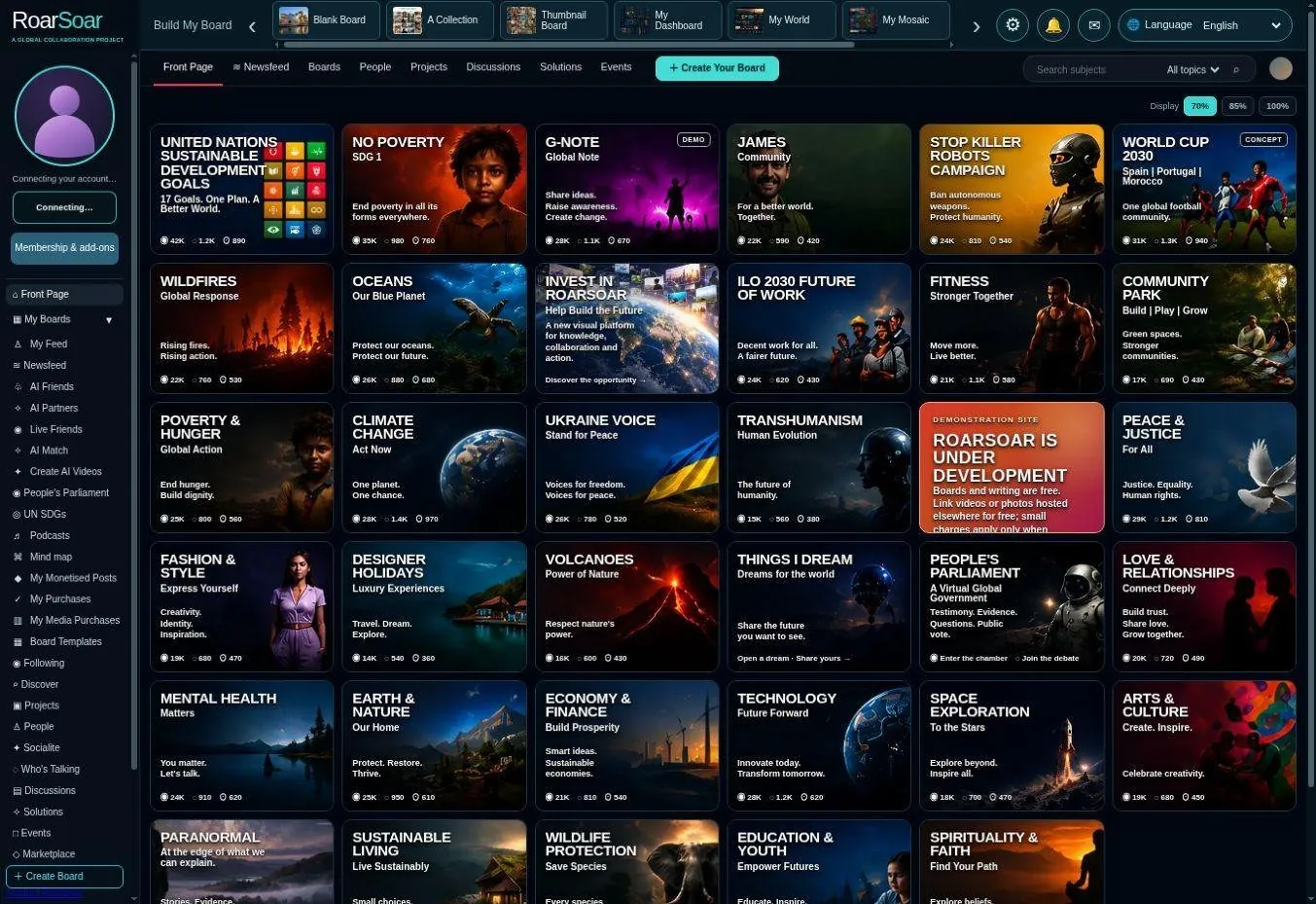
Choose a board style and bring together the content that matters to you.
Publish selected boards on your profile and meet people around shared subjects.
Invite contributions, develop projects and turn conversation into action.
02 / A WORLD OF SUBJECTS
The Front Page is intended to become a place for every subject people care about.
Find a subject, explore its community and contribute your knowledge, experiences, questions and ideas. Posts can build on one another, helping each subject grow into a living body of information, conversation and participation.
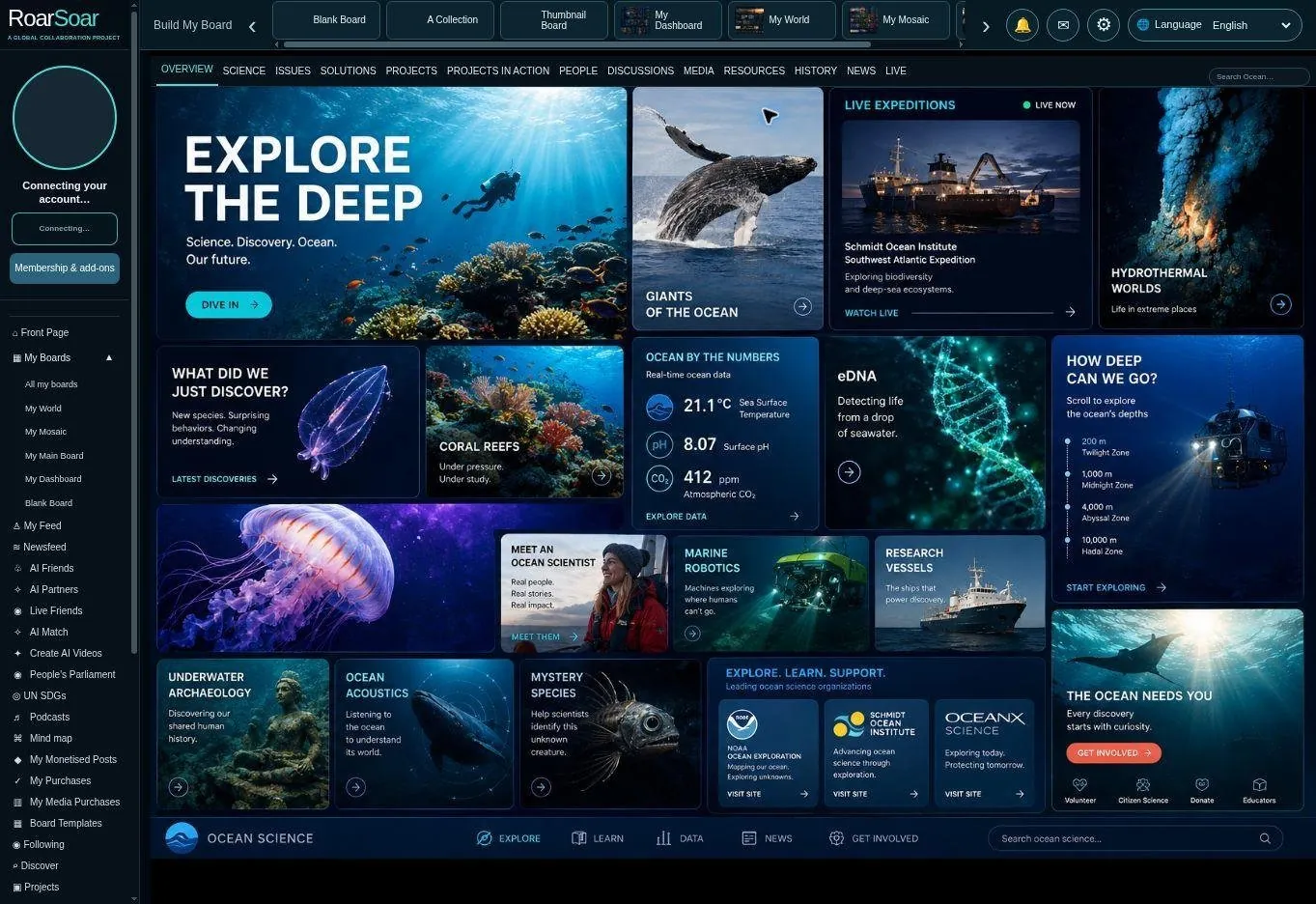
Discover people, photographs, articles, reports, questions and different perspectives.
Contribute relevant posts to a subject community, alongside your own boards and feed.
Develop discussions, research, events, projects and practical action over time.
03 / YOUR BUILDING BLOCK
Mix content, media, ideas and action in one visual space.
Start with a blank board or choose a template. Assemble posts in the way that suits your business, interests, identity, cause or research. Choose who can see your board and who can contribute.
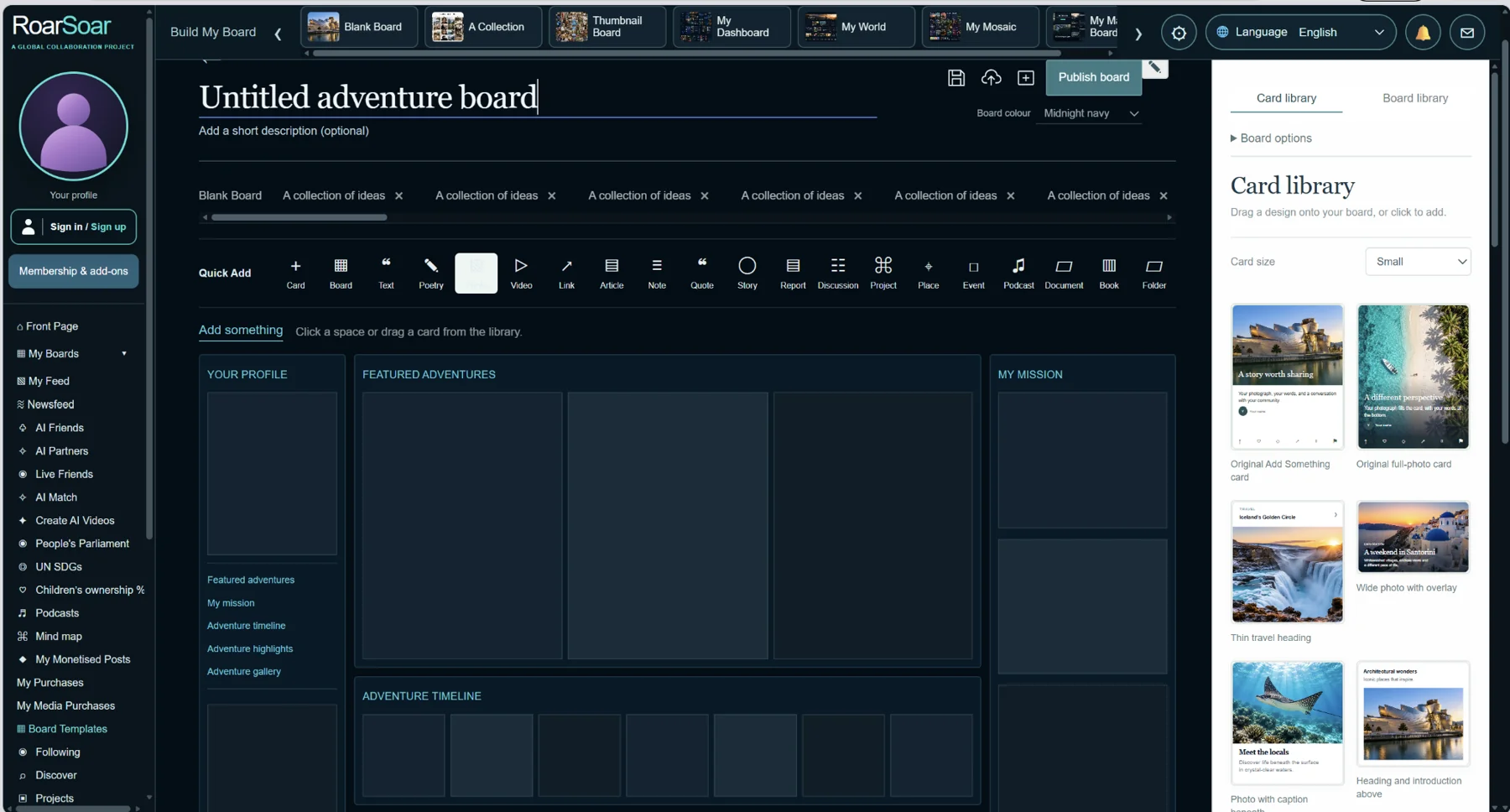
Start from a blank board, a collection, a thumbnail board or another template.
Photo · Video · Article · Website · Podcast · Petition · Crowdfunding · Question · Quote · Poem · Document
Keep it private or share with Connections, Watchers or the public using the available publishing controls.
04 / YOUR IDENTITY
Your branded profile brings your published boards and shared posts together.
Use board pages to present your business, interests, identity, causes and research. Each published board can become a profile tab. Your general My Feed posts and posts across your boards combine into one feed.
Build distinct spaces for the different parts of your work and life.
General posts and posts from across your boards come together in one place.
Left-menu My Feed includes all your posts. Profile visitors see public posts and posts shared with their audience; private posts stay private.
05 / PEOPLE & PARTICIPATION
Meet around a subject. Share what you know. Make something happen.
Connect with people, watch their updates and join the discussions that matter to you. Board owners choose whether to work alone or invite contributions from their Connections, Watchers or the public.
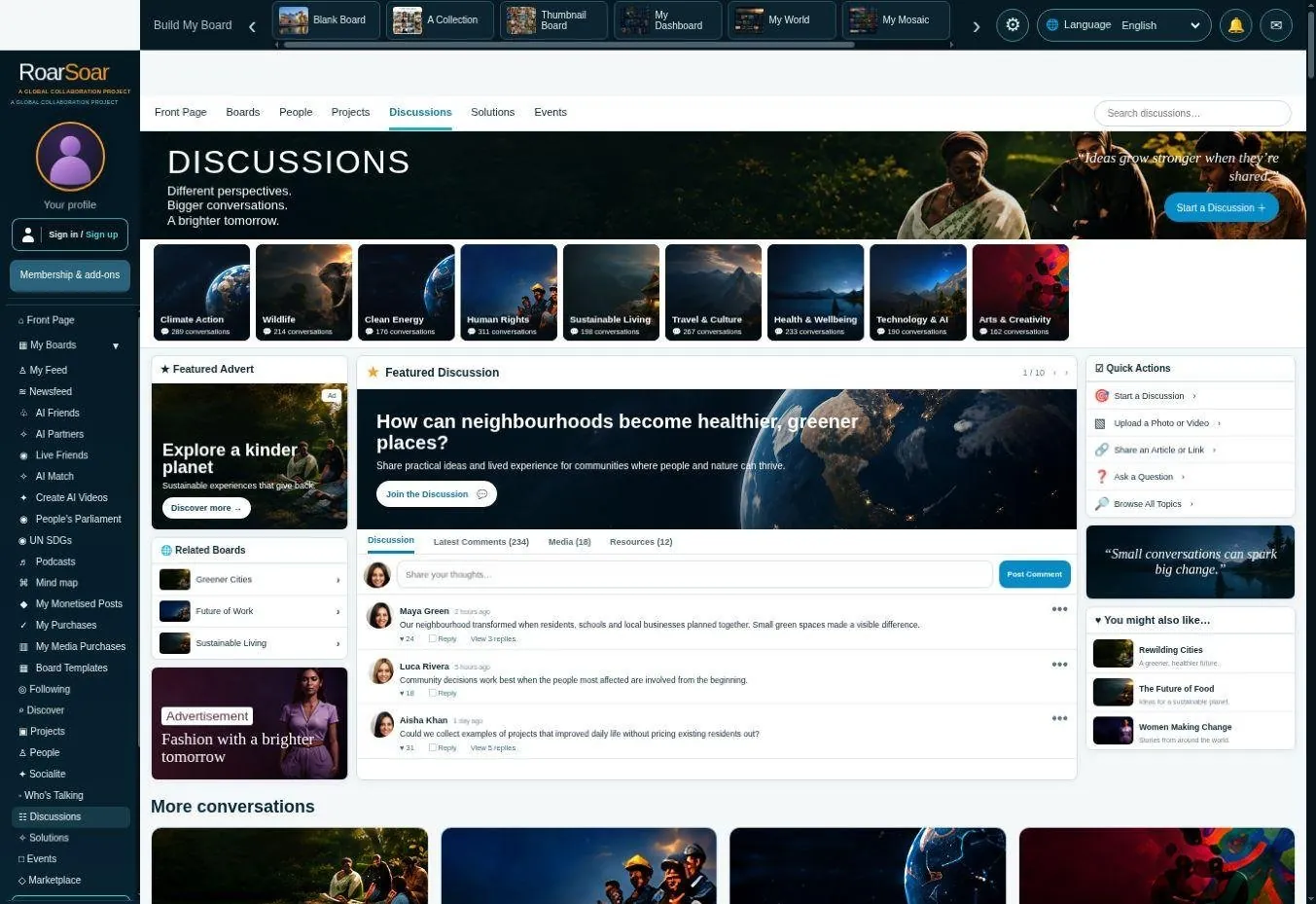
Discover members and communities around shared interests and purposes.
Add a question, an article, a source, a photograph or a different perspective where contributions are open.
Bring people into projects, events and ongoing collaboration.
06 / YOUR AI TOOLS
Four tools. Different ways to explore, connect and create.
Choose a tool below to open it. Each preview shows its workspace. AI Chat supports developing ideas and content; video conversation, matching and video creation have their own tools. Review the current credits, minutes and membership allowances in each tool.
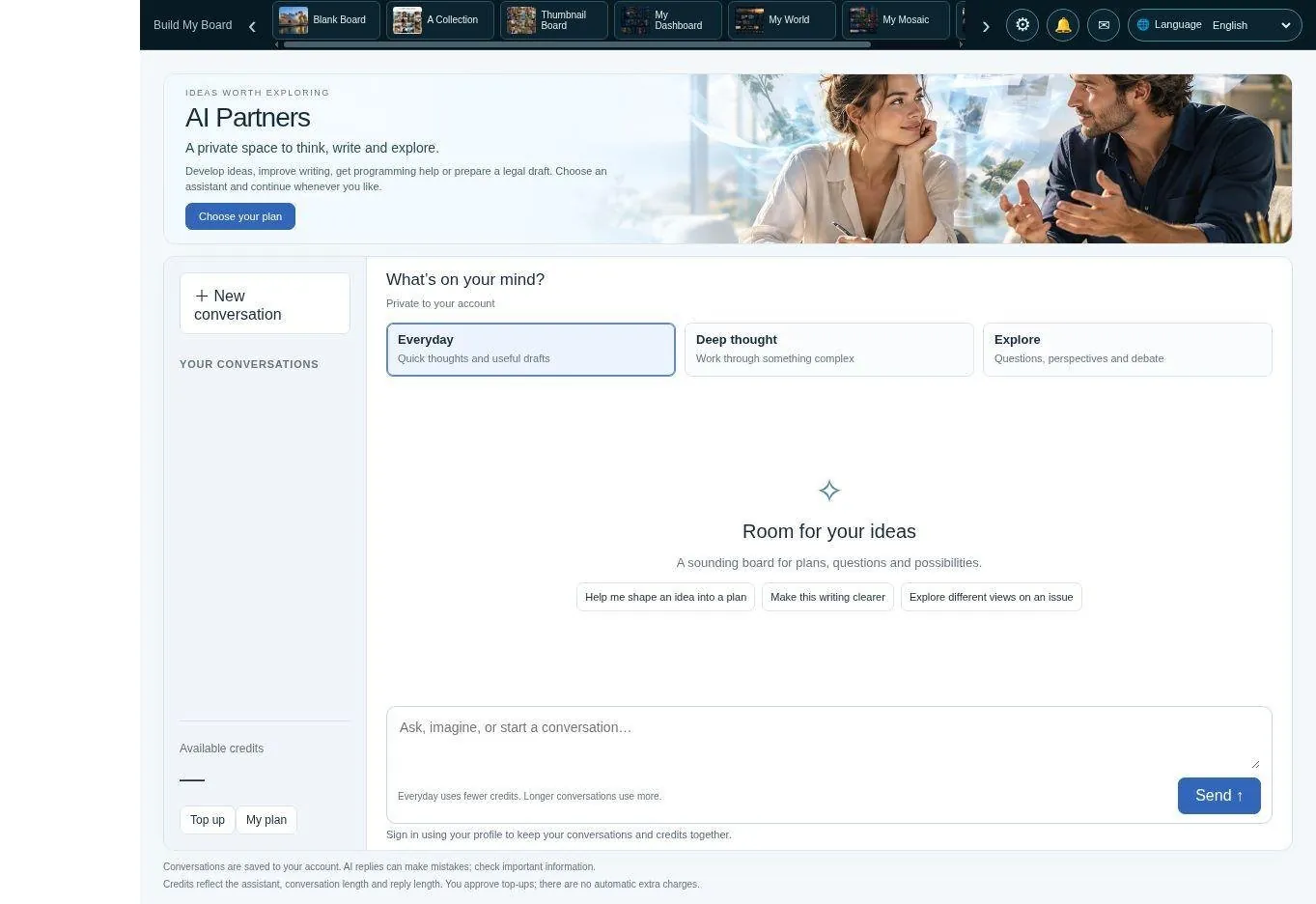
Explore ideas, research subjects, develop writing and plan content for your boards.
Open AI Chat ↗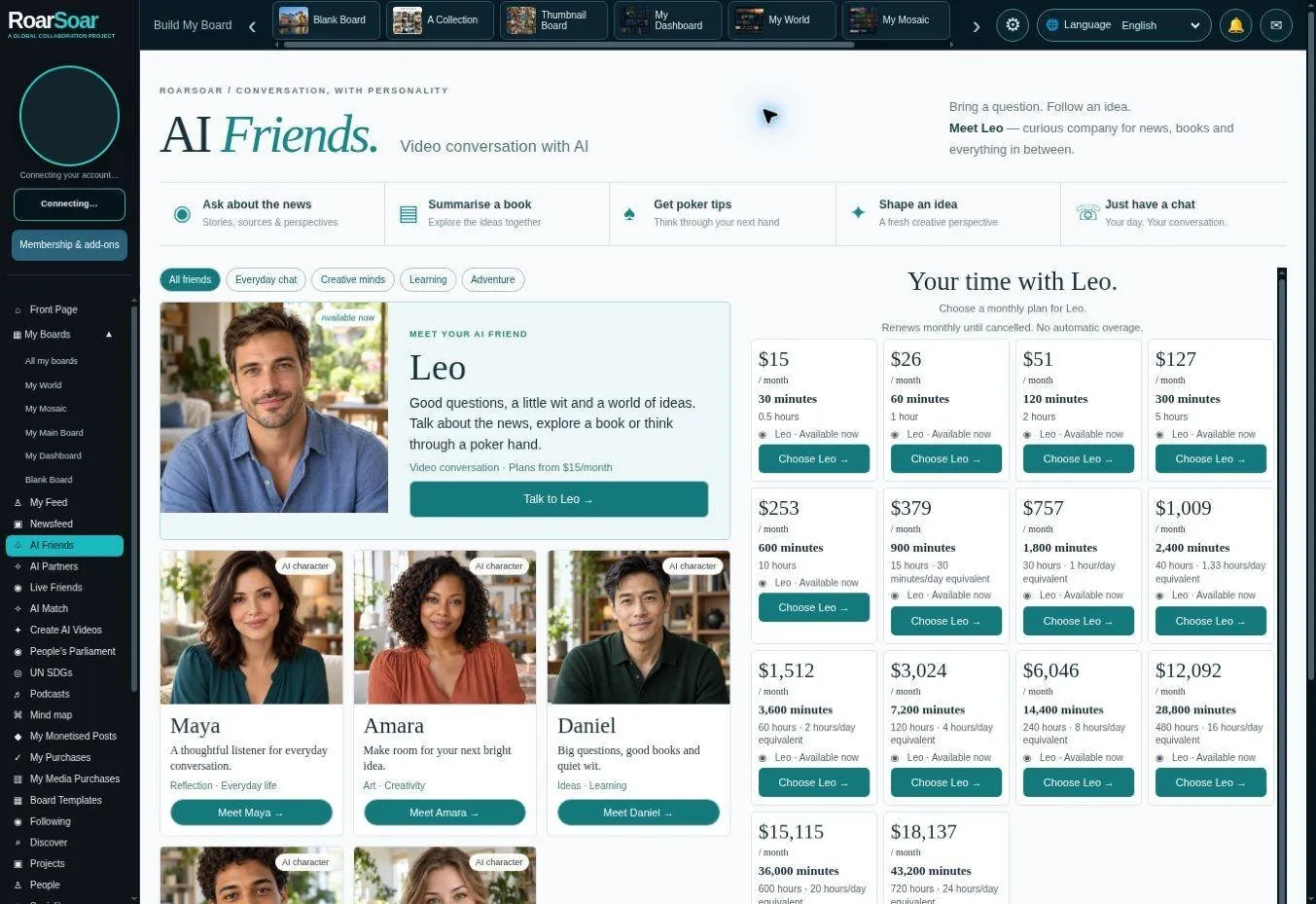
Have a video conversation with AI to talk through ideas and questions.
Open AI Video Chat ↗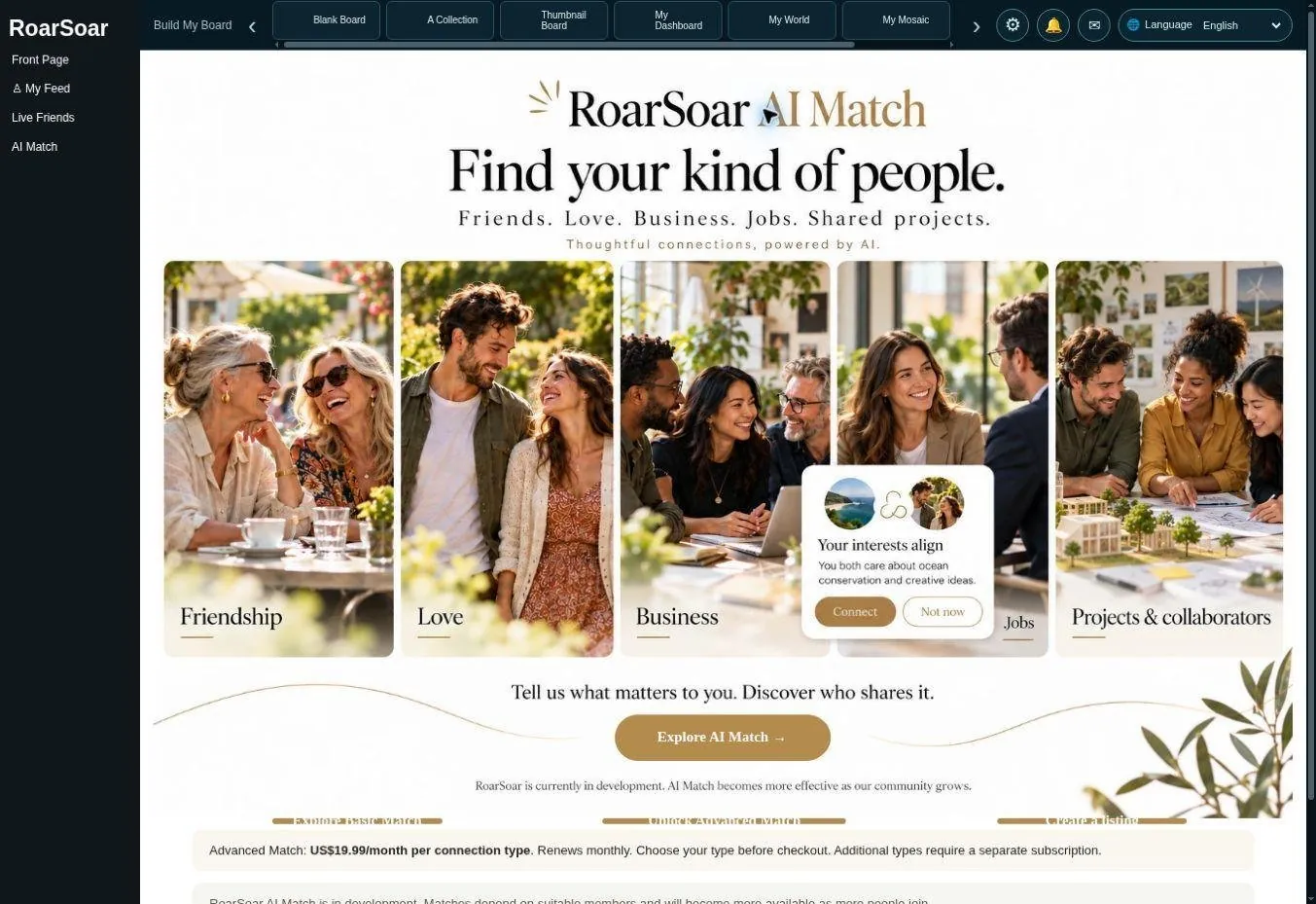
Explore the matching tools for finding relevant people and connections.
Open AI Match ↗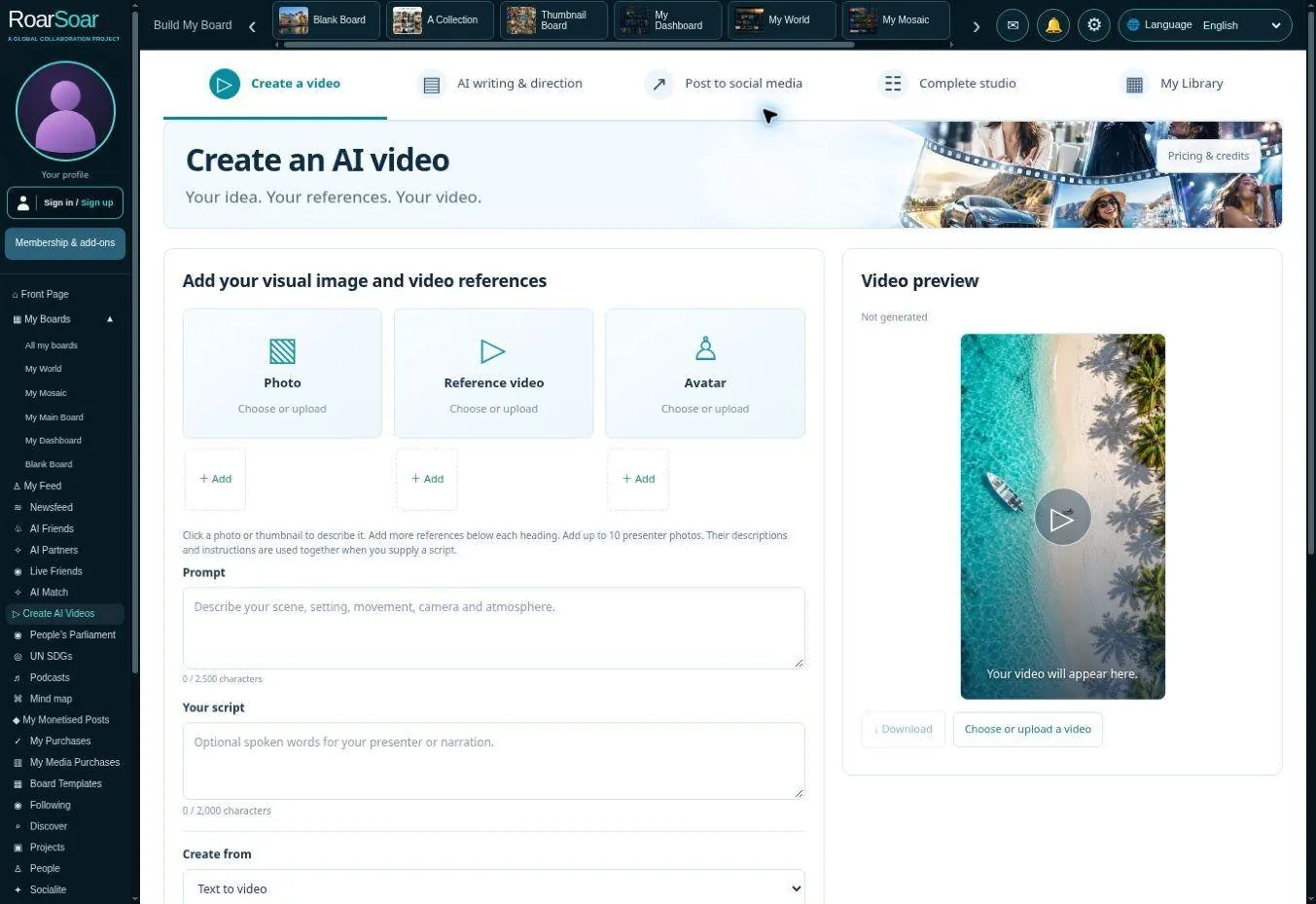
Develop scripts, add reference media and create videos to share or promote your work.
Open Create AI Videos ↗07 / THE MARKETPLACE
Buy, sell and support work within your community.
A board can introduce your work, present a collection or help people discover something you offer. Where the publishing tools support it, choose free access, paid content or donations. Petitions and crowdfunding give people other ways to take part.
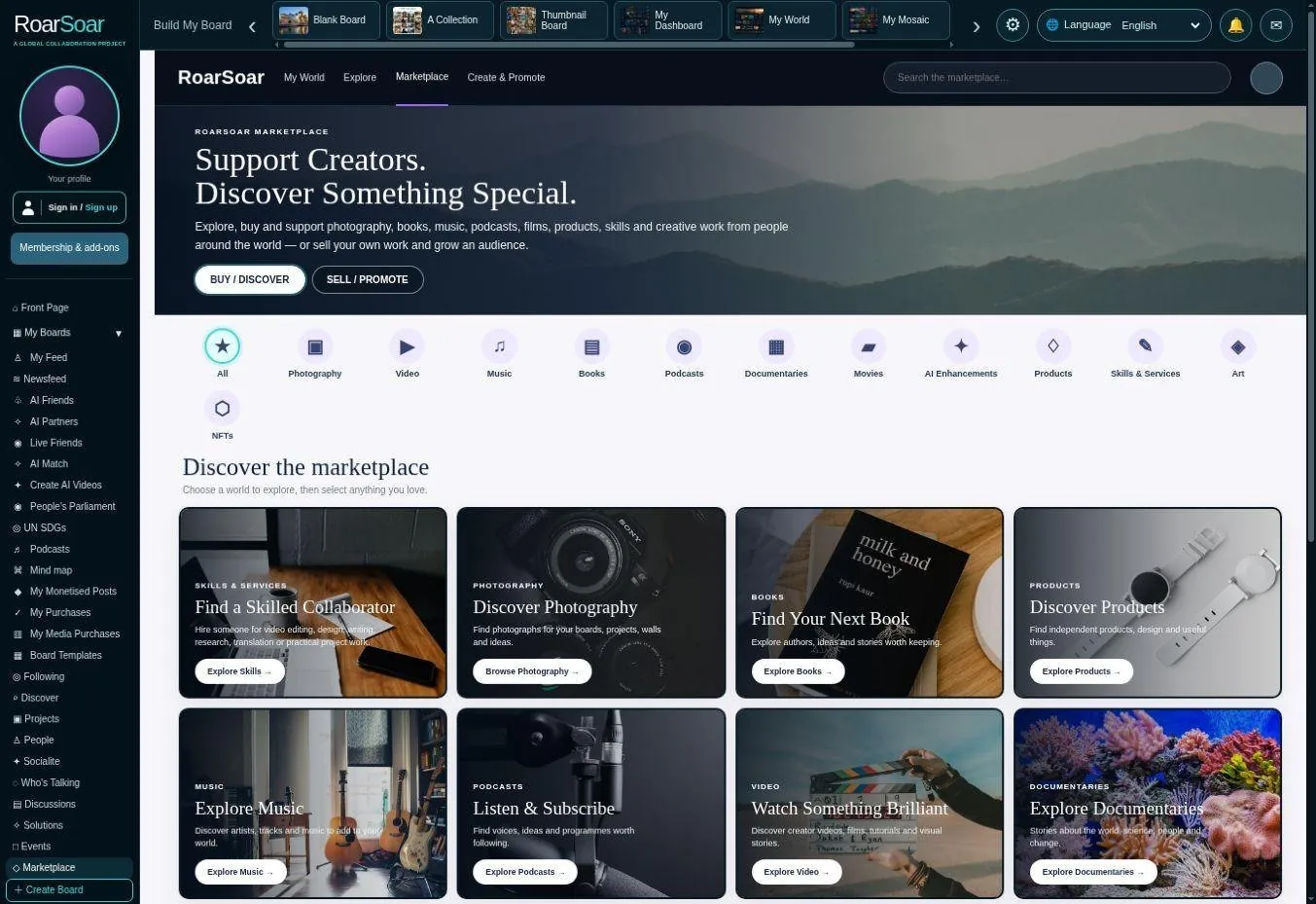
Explore available listings and review the item, access terms and price before purchasing.
Use supported paid-post options for content you own and have the rights to sell. Review the current fees and account requirements.
Use available donation, crowdfunding and petition options to support work and causes you care about.
08 / GET STARTED
Create an account. Choose the tools and allowances that suit you.
Sign up to save your work, build your profile and boards, and take part in communities. Choose a membership for the publishing tools, storage and AI allowances you need. The live selector below lists the current plans, prices and inclusions; some tools and extra usage have separate credits or charges.
Opening live membership plans and packages…
Use Sign up, complete the account steps and confirm your email if requested. Public guides and public profiles remain available without signing in.
Compare publishing rights, storage, AI minutes and credits before choosing a plan. Check the current price and renewal terms.
Create a board, add posts, choose an audience and connect with people. Your account keeps track of your available allowances.